
The platform
One workspace for your next career move
Your career evidence powers clearer decisions, tailored documents and AI advice you control.
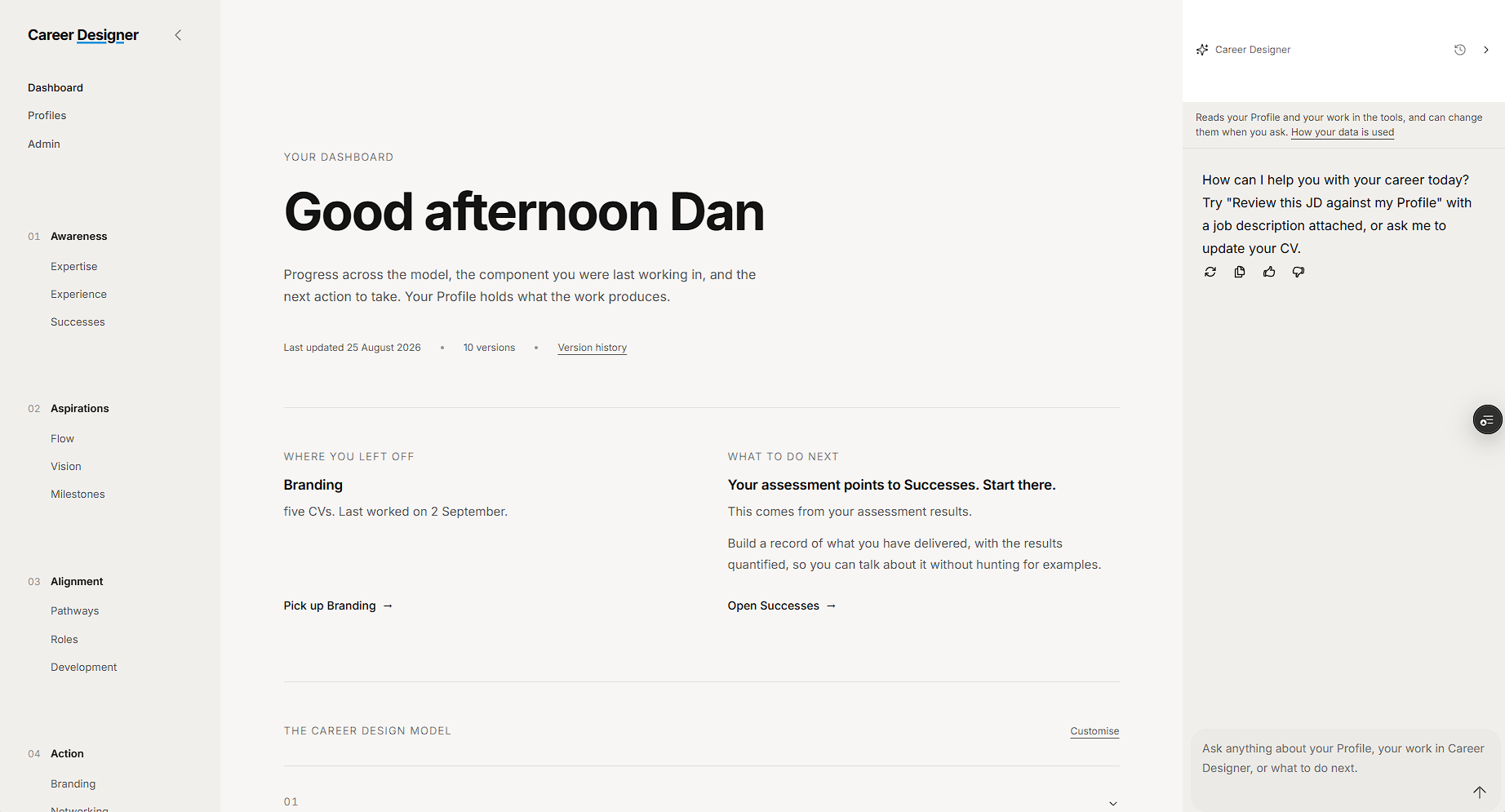
Career Designer turns your career evidence into a clear strategy and the materials to act on it, with AI that understands your experience and keeps you in control. Upload your CV, paste your LinkedIn text and answer a short survey. Review the evidence, then reuse it for role fit analysis, tailored CVs, interview stories and AI advice. The five stages form a logical progression; once your evidence is built, tackle an urgent application or interview while developing your longer-term strategy.
01
Awareness
Turn your CV, pasted LinkedIn text and survey answers into career evidence you review and reuse.
Expertise
Review the skills extracted from your existing material, add what is missing and rate the level you can support. Your Career Profile uses that evidence for role comparisons, CV tailoring and AI advice.
Experience
Build on roles, education and certifications extracted from your CV and LinkedIn text. Correct and refine your record so application drafts and interview preparation draw on the experience you have reviewed.
Successes
Build an achievement library from the candidate successes in your existing material and the results you add. Choose the stories worth developing; after five, analyse their patterns and reuse the evidence in CVs and interview preparation.
02
Aspirations
Make your next direction concrete, with AI-drafted vision documents and milestones you review.
Flow
Describe moments when you did your strongest work. Career Designer analyses the patterns for you to review and use when choosing the work you want more of.
Vision
Draft your ideal role as a structured Dream Job Description, alongside a retirement speech and vision board. Career Designer draws on your evidence and aspirations; you review, edit and finalise the direction.
Milestones
Turn your chosen direction into milestone cycles, with up to six projects in each. Set priorities, review progress and adjust your next steps as your circumstances change.
03
Alignment
Compare possible moves against your evidence and decide what to pursue or develop.
Pathways
Explore routes suggested from your Career Profile or add your own. Compare scored pathways against your reviewed evidence before deciding which direction deserves your time.
Roles
Score target roles against your Career Profile and compare them side by side. Identify missing evidence to surface, achievements to frame as stories and capabilities you may choose to develop.
Development
Draft three five-year development plans: Current, Backup and Perfect. Review the evidence and development priorities for each, then choose the actions that support your preferred route.
04
Action
Turn a job description into tailored drafts, then research the organisation and prepare for interviews.
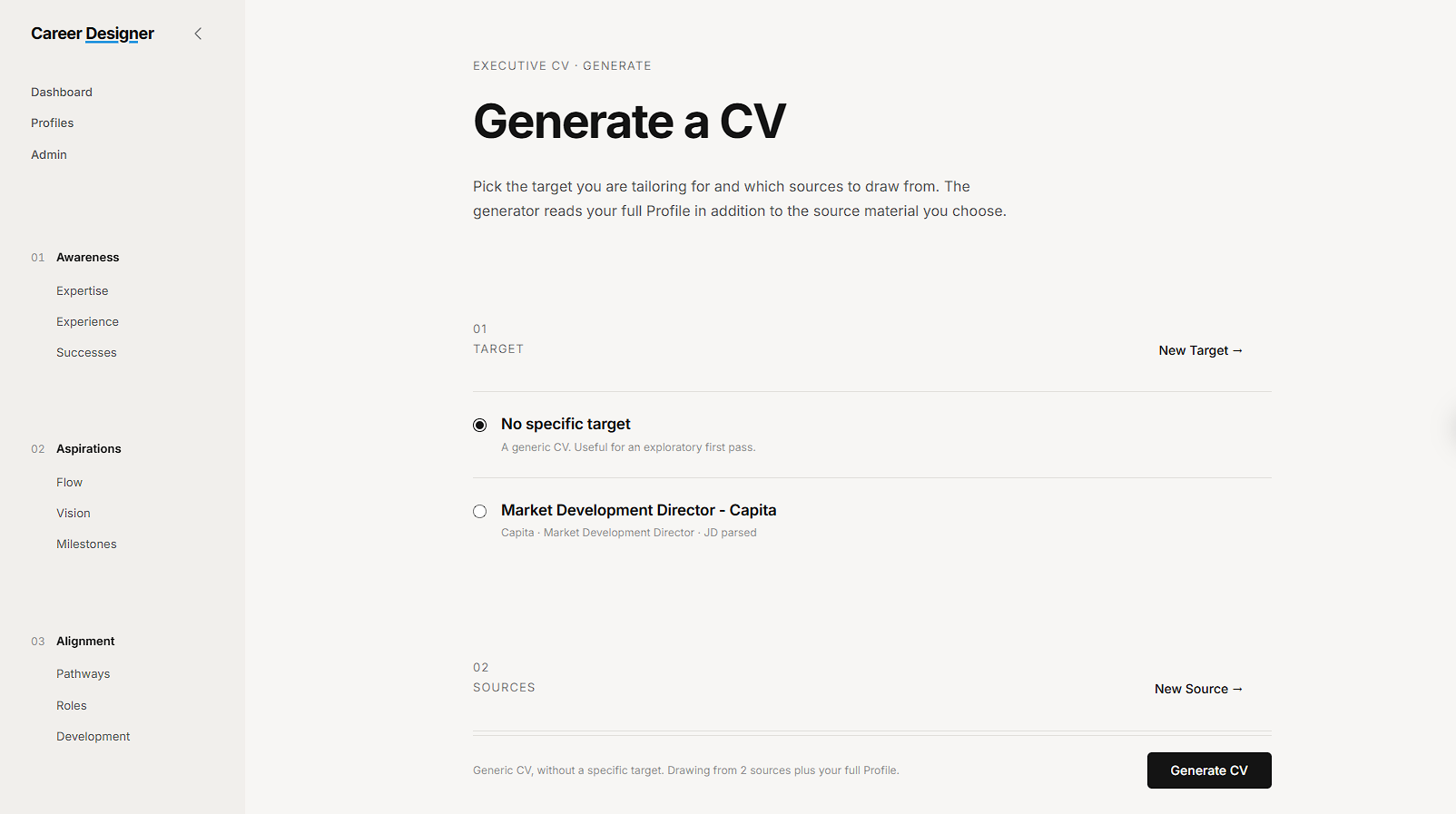
Branding
Draft an executive CV from your Career Profile, tailored to a target role, with section suggestions, version history and Word/PDF export, including an ATS-oriented layout. Review drafted LinkedIn text to update yourself, and develop your networking purpose, elevator pitch and contact priorities.
Applications
One job description. A clearer case for the role. Paste a job description and Career Designer analyses your fit and missing evidence, creates a tailored executive CV with Word/PDF export, drafts a cover letter and suggests LinkedIn updates for your review. Keep the drafts and application record together. Run cited Company Research on the organisation, role and any named interviewers to inform your preparation.
Interviews
Build a Structured Interview Pack for each role: positioning, likely questions, achievement stories drawn from the Successes in your Career Profile, evidence-gap preparation and questions to ask. Add cited company and named-interviewer research, review and edit the drafts, then export your pack to Word or PDF. Track each interview round alongside it.
05
Activation
Prepare the transition from a considered move to your first 100 days.
Exit
Prepare your departure across six themes, from a drafted resignation narrative you review and edit to the relationships you want to preserve. Make deliberate choices about how you leave.
Entry
Draft and review a First 100 Days plan with milestones at days 30, 60, 90 and 100, then export it to Word or PDF. Define the intentions and boundaries that help you put the plan into practice.
Stakeholders
Map the people your new role depends on and set an engagement cadence for each. Review your stakeholder priorities alongside your transition and First 100 Days plan.
How the platform works
Your Career Profile
Your Career Profile is the shared source of evidence behind role comparisons, CV tailoring, interview stories and AI advice. Start with your CV, pasted LinkedIn text and survey answers, then review the extracted records and choose what to keep. Reuse the evidence you have checked rather than rebuilding your career story for every opportunity. Saved Profile versions can be restored.
You approve every change
AI drafts arrive as proposals showing what they drew on. Review, edit, accept or dismiss them. You approve every advisor change before it applies, and only the Profile proposals you accept enter your Career Profile.
An AI career advisor in every workspace
Ask which achievements best support a target role, refine how you describe a result or work through an evidence gap. Your AI career advisor reads your Career Profile and the work in front of you, reducing repeated context pasting. It proposes changes for you to review, edit and approve before they apply.
Confidential
Your Career Profile is visible only to you. Your Career Design Assessment results are kept here too, and you can retake the assessment whenever you choose.
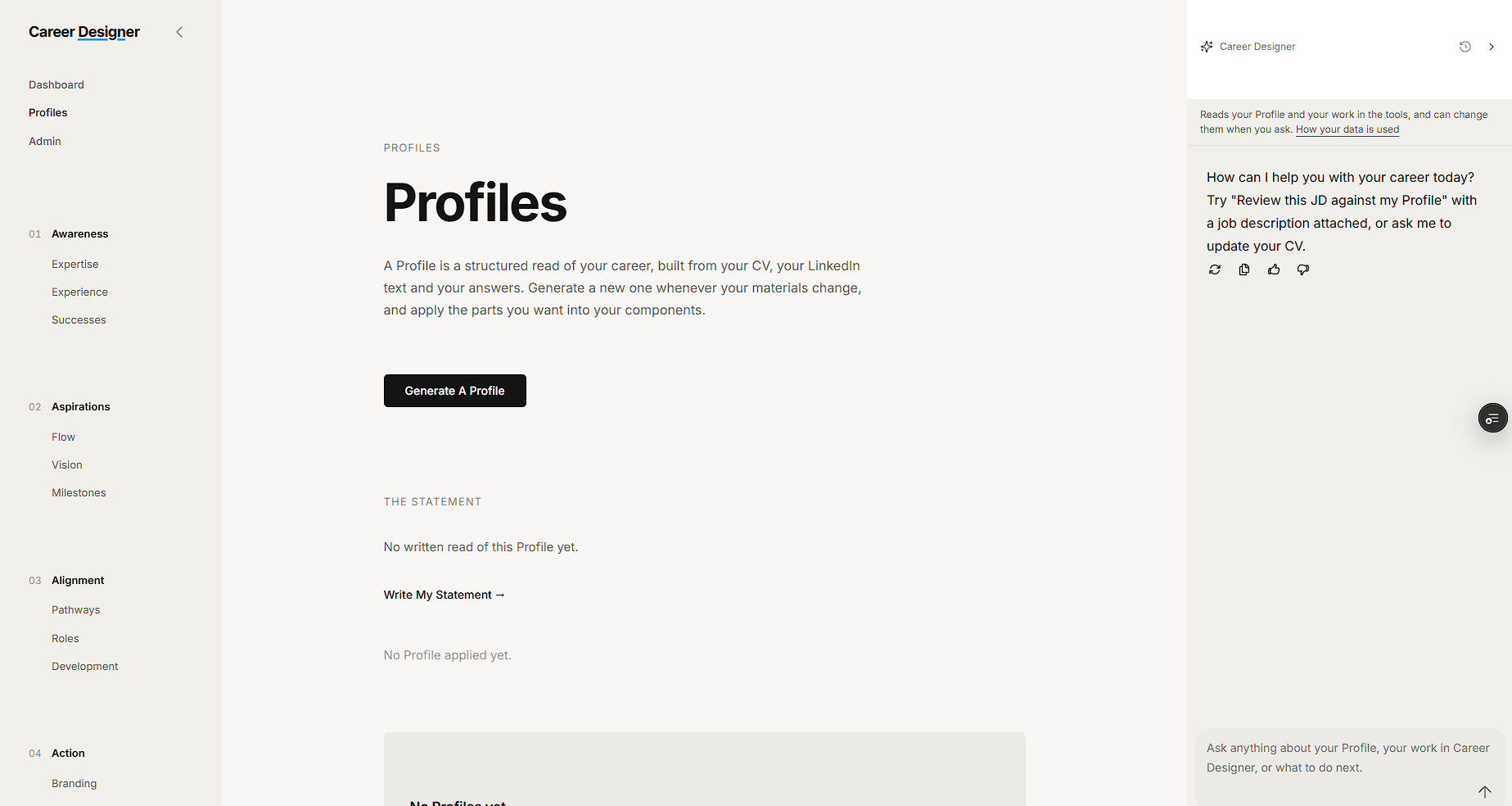
Start with your evidence
One Career Profile to power your strategy, application drafts and interview preparation. You review and approve every AI proposal.